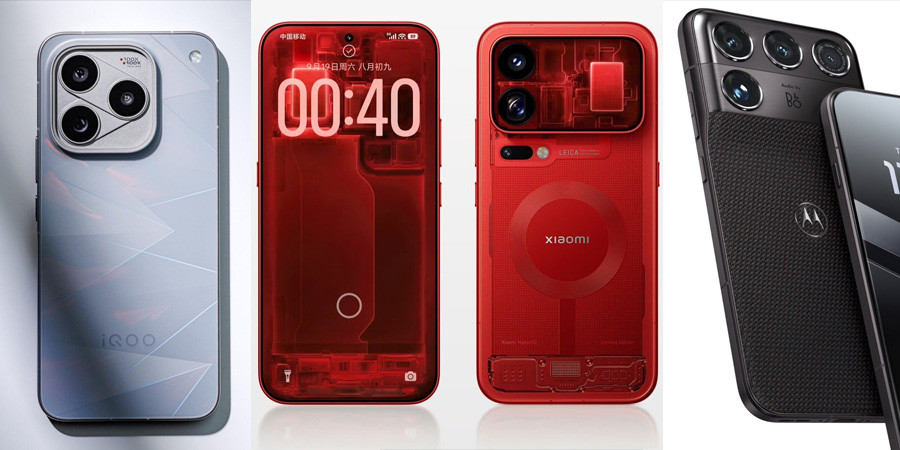
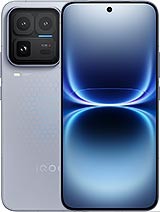
 vivo iQOO 15 Ultra
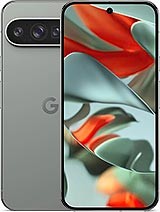 Google Pixel 9 Pro XL
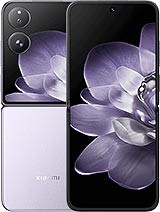 Xiaomi Mix Flip
 Huawei Pura 70 Ultra
 Xiaomi 14 Ultra
 vivo T2 Pro
 Xiaomi 13T Pro
 Xiaomi 13T





Gboard's New Dynamic Color Theme: Visual Improvements and Update Guide
Google has introduced a significant update to Gboard's dynamic color theme via a server-side update. This update brings visual improvements, making the keyboard look more consistent across devices. After months of testing that began last year, Gboard now sports a fresh, modern look.

Gboard's New Dynamic Color Theme: Visual Improvements and Update Guide
Google Rolls Out Major Gboard Update with Dynamic Color Theme
Google has introduced a significant update to Gboard's dynamic color theme via a server-side update. This update brings visual improvements, making the keyboard look more consistent across devices. After months of testing that began last year, Gboard now sports a fresh, modern look.
What's Changed in Gboard's New Look?
Previously, the Gboard Dynamic Color theme used four distinct colors for:
- Letters
- Shift, emoji/comma, period, and Backspace keys
- ?123 keys
- Enter key
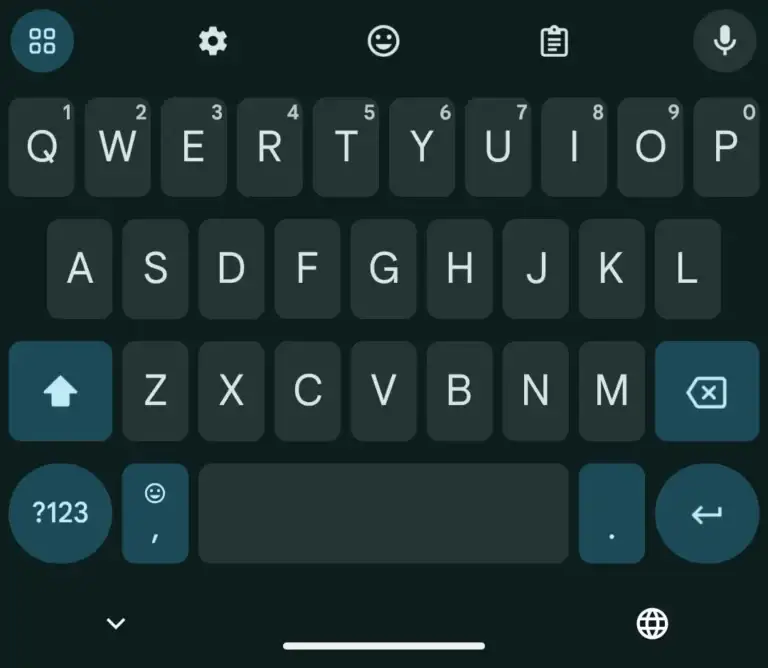
Now, the Shift, Emoji/Comma, Period, Backspace, ?123, and Enter keys share the same color. Additionally, the 2×2 icon in the upper left corner matches these keys. This new color scheme applies to both phones and tablets, offering a more consistent and clean appearance.
More Consistent but Less Vibrant Appearance
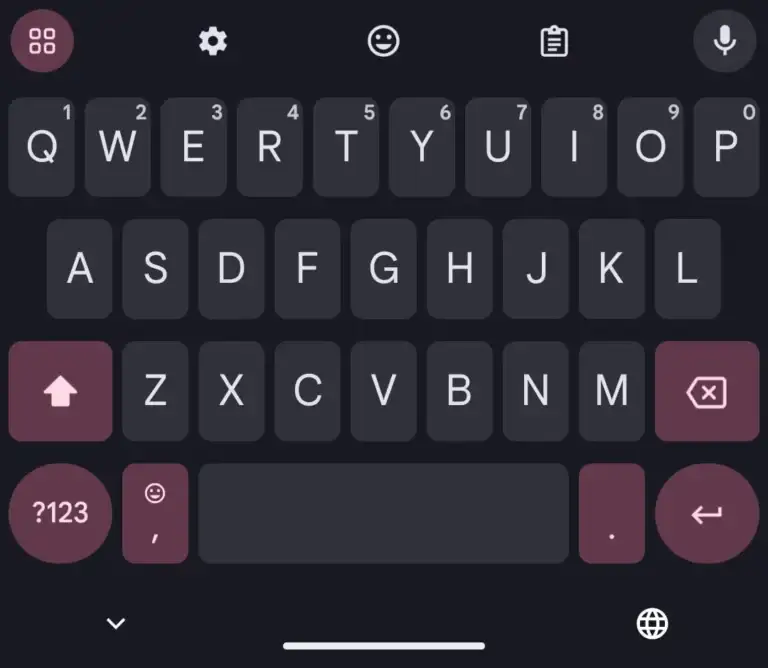
This update enhances consistency, giving Gboard a balanced and fluid look. However, some users might find the Dynamic Color theme slightly less vibrant, depending on their wallpaper. For those using dark mode, the keyboard now appears even darker, improving readability in low-light conditions.
When Was the Gboard Update Released?
The update first appeared in beta versions of Gboard in late October 2024. Later, Google expanded it to the stable version for more users. Now, in Gboard version 14.9, these changes are widely available in both stable and beta versions.
How to Get the Gboard Update
If you haven't seen the changes yet, try the following steps:
- Open Gboard settings and force stop it under App info.
- Toggle between light and dark system themes to trigger the update.
New Icon Change for Beta Users

If you're using the beta version of Gboard, you'll notice an updated 2×2 icon. Previously enclosed in a circle, the icon is now fully filled and no longer enclosed, making it distinct from the voice search icon.
These visual updates bring a cleaner and more consistent design to Gboard, enhancing the overall user experience while preserving Android's Dynamic Color theme. Stay updated and enjoy a more seamless typing experience!